Castle of Illusion Starring Mickey Mouse - manual

Castle of Illusion Starring Mickey MouseManual

Enter
x

Navigating this manual

Welcome to the Castle of Illusion Starring Mickey Mouse web manual.

You can use the Contents menu on the left to skip directly to the section you're looking for. Alternatively, click the Enter button to access the manual, and use the Next and Previous buttons to navigate page by page.

Can't find what you're looking for? There's even more information in the FAQs and ReadMe: you can view them using the buttons at the top of the screen.

Warnings & Ratings

Important Health Warning About Playing Video Games

Photosensitive Seizures

A very small percentage of people may experience a seizure when exposed to certain visual images, including flashing lights or patterns that may appear in video games. Even people who have no history of seizures or epilepsy may have an undiagnosed condition that can cause these “photosensitive epileptic seizures” while watching video games.

These seizures may have a variety of symptoms, including lightheadedness, altered vision, eye or face twitching, jerking or shaking of arms or legs, disorientation, confusion, or momentary loss of awareness. Seizures may also cause loss of consciousness or convulsions that can lead to injury from falling down or striking nearby objects.

Immediately stop playing and consult a doctor if you experience any of these symptoms. Parents should watch for or ask their children about the above symptoms—children and teenagers are more likely than adults to experience these seizures. The risk of photosensitive epileptic seizures may be reduced by taking the following precautions: Sit farther from the screen; use a smaller screen; play in a well-lit room; and do not play when you are drowsy or fatigued. If you or any of your relatives have a history of seizures or epilepsy, consult a doctor before playing.

Precautions to take during use

  • Sit a good distance away from the monitor.
  • Avoid playing if you are tired or have not had much sleep.
  • Make sure that the room in which you are playing is well lit.
  • Rest for at least 10 to 15 minutes per hour while playing a video game.
ESRB: E PEGI: 7
© SEGA. © 1990, 2013-2014 Disney. SEGA and the SEGA logo are either registered trademarks or trademarks of SEGA Corporation. Developed for and published on the Mac by Feral Interactive Ltd. Mac and the Mac logo are trademarks of Apple Inc. registered in the U.S. and other countries. Feral and the Feral logo are trademarks of Feral Interactive Ltd. All other trademarks and copyrights are the property of their respective owners. All rights reserved.

1

Introduction

Minnie and Mickey couldn’t have picked a worse day for a picnic!

Just as the two sat down to eat, a violent storm struck, washing away the beautiful weather and heralding the arrival of the jealous witch Mizrabel.

Before Mickey knew what was happening, Mizrabel had captured Minnie from under his nose. Intent on stealing Minnie’s youth and beauty, she’s spirited her away to the Castle of Illusion.

Now it’s up to Mickey to rescue his sweetheart before it’s too late…

2

Installation

As part of the Steam download process, the game has already been installed on your computer. To start playing the game, read the Getting Started section.

Getting Started

  1. Double-click on the Steam application icon. By default this is located in the Applications folder on your computer's hard drive.

  2. If you are not already signed in, the Steam Login dialog will appear. Enter your account name and password, then select Login.

  3. The Steam application will launch. Select the Library tab.

  4. In the library, highlight Castle of Illusion in the list of games on the left-hand side of the window, then select Play.

  5. The Castle of Illusion Starring Mickey Mouse pre-game Options window will appear. Click the Play button. The game will launch.

  6. After the loading screens, the Title screen will appear. Press the Return (↩) key.

  7. After the opening video, the Main Menu will appear. Select New Game.

  8. The opening video will continue. After the opening video, you'll find Mickey outside the Castle of Illusion, where Mizrabel is holding Minnie captive…

3

Controls

You can play Castle of Illusion Starring Mickey Mouse with either a keyboard or a gamepad.

Keyboard

The default keyboard controls are detailed below. You can customize your keyboard configuration by selecting Help and OptionsControls from the Main Menu.

The instructions in this manual refer to the default keyboard controls; if you have customized your controls or are using a gamepad, the controls listed here will not apply.


Move Arrow keys
Jump Space bar
Throw Alt (⌥)
Pause menu Escape (esc)

Gamepad

You can play Castle of Illusion Starring Mickey Mouse using a gamepad. In fact, we recommend you do!

The diagram on this page is based on a standard controller layout; all gamepads have similar buttons but some may differ in layout from the gamepad shown here. For more information, see Can I play Castle of Illusion Starring Mickey Mouse with a gamepad? in the FAQs.

Gamepad control diagram

Move 9 or
← / ↑ / → / ↓
Jump 4
Throw 1 or 3
Pause menu Start
4

Main Menu

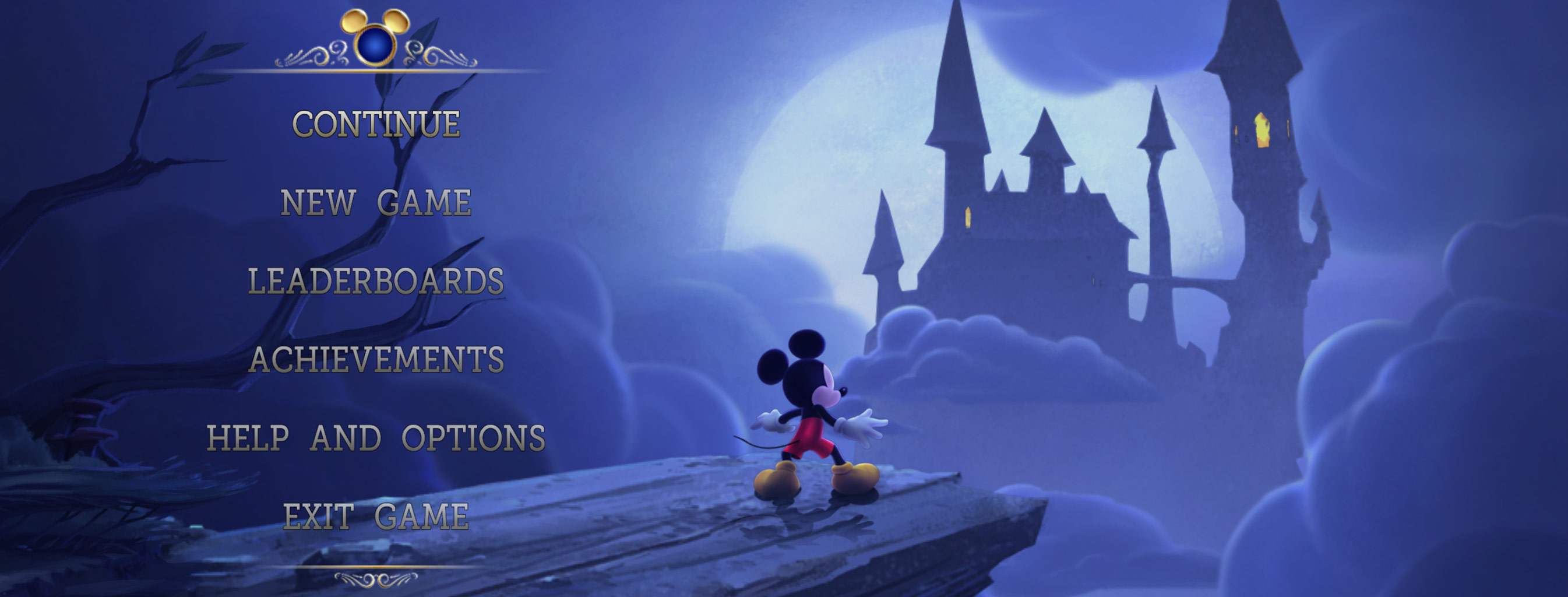
MAINMENU

Continue
Continue your saved game
New Game
Start a new game (this will delete any progress you have already made)
Leaderboards
View the top scores and fastest times for each stage
Achievements
View available achievements and see which you've already unlocked
Help and Options
View gameplay tips, adjust your options or watch the credits
Exit Game
Quit the game and return to the desktop

Game Screen

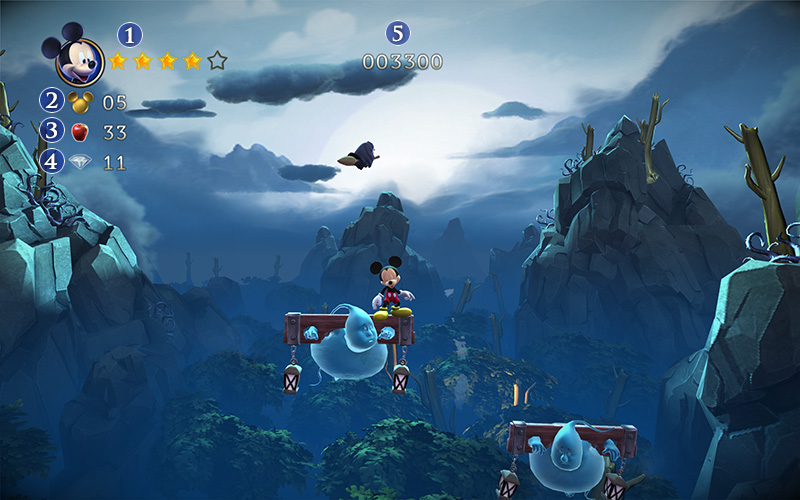
GAMESCREEN

1 Health
2 Lives
3 Projectiles
4 Diamonds
5 Points
5

Rainbow Gems

To save Minnie, you must collect all seven Rainbow Gems hidden in the Castle of Illusion.

When combined, the Rainbow Gems will form the Rainbow Bridge that leads to Mizrabel’s tower, where Minnie is held captive.

GEMS

Each Gem is guarded by a Gem Keeper, one of Mizrabel’s Masters of Illusion. To get your hands on all seven Gems, you'll have to make your way through the castle's fantastical worlds and break the illusion of each Gem Keeper.

6

Movement

Press the Arrow keys to move.

Press the Down Arrow key to crouch.

Press the Space bar to jump.

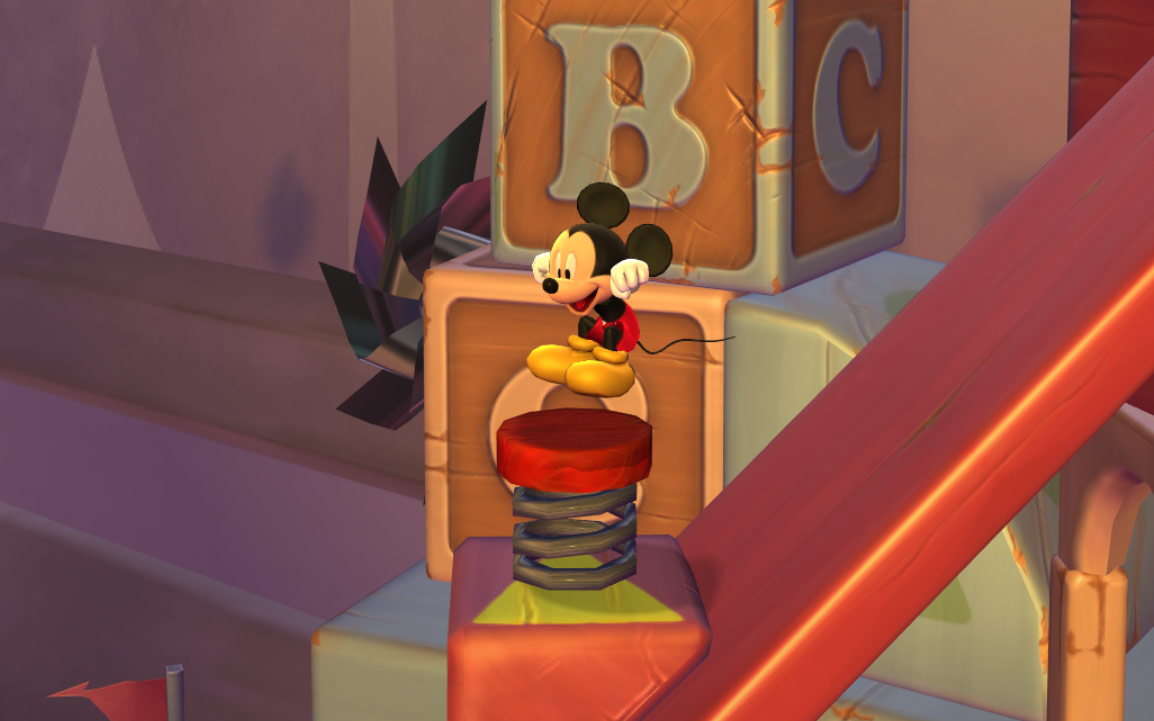
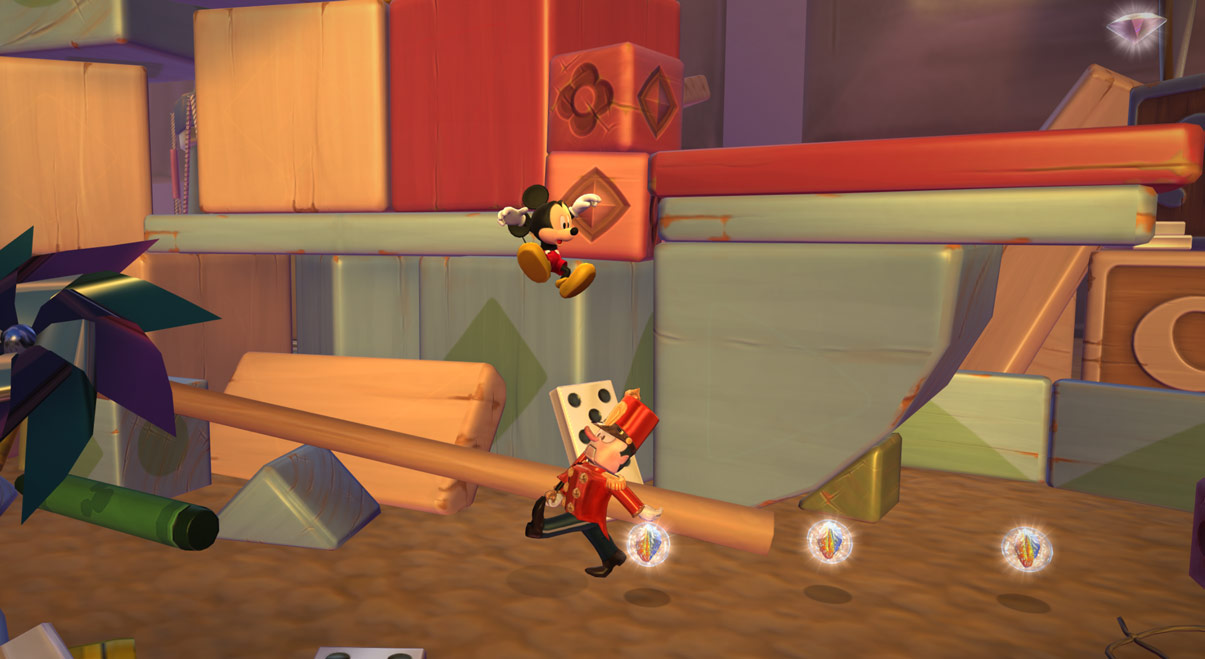
Hold the Space bar down and jump on top of an enemy to bounce up even higher. You can also bounce off certain objects, such as springs.

SPRING

SWING

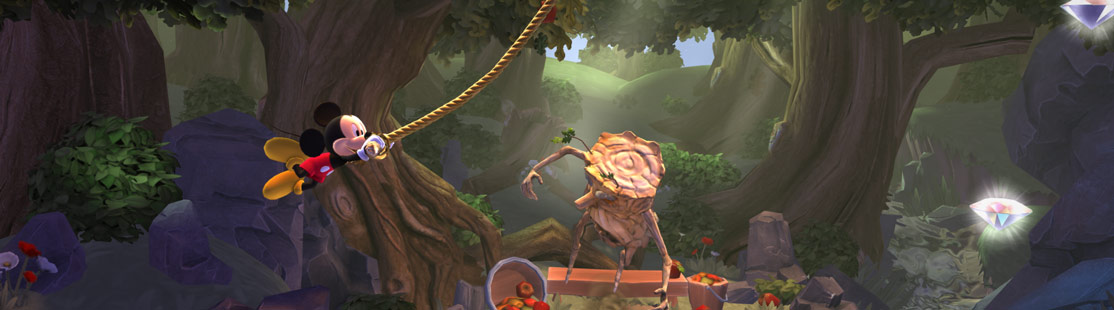
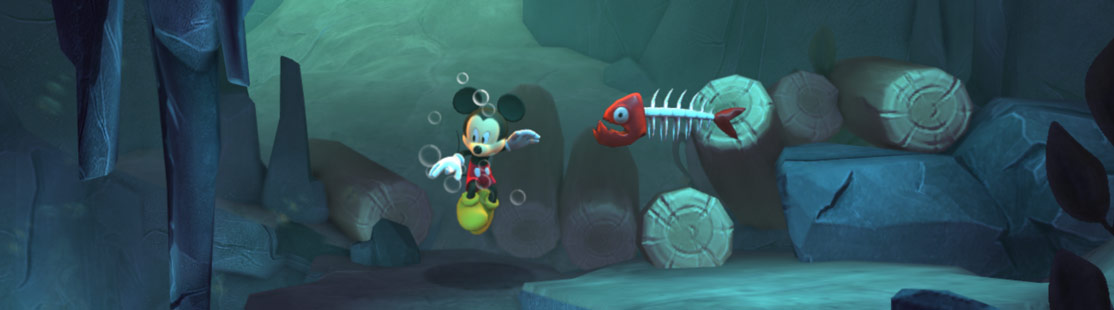
Not all worlds are built on solid ground - Mickey may need to swing through the treetops or take a swim!

To swing on a rope, jump towards it: if Mickey can reach the rope's end, he’ll grab it and swing. To let go of the rope, press the Space bar.

SWIM

To swim, press the Arrow keys while Mickey is underwater.

To swim faster, tap the Space bar continually.

7

Mizrabel's Illusions

Mizrabel has filled the castle with dangerous illusions. They may not be real, but they can be deadly!

ILLUSIONS

Jump on top of an enemy to break its illusion.

You won’t always be able to jump on an enemy. If you have projectiles (such as apples or marbles), you can also throw them at an enemy to break its illusion.

Press the Alt (⌥) key to throw a projectile. You can throw projectiles while jumping or crouching.

8

Inside the Castle of Illusion

The castle contains doors to all of Mizrabel’s illusory worlds.

When you begin the game, many of the doors are locked and the staircases are blocked by suits of armor. The doors will be unlocked once you have collected enough diamonds and the suits of armor will step aside once you have completed all the stages on that floor of the castle.

Statues

STATUES

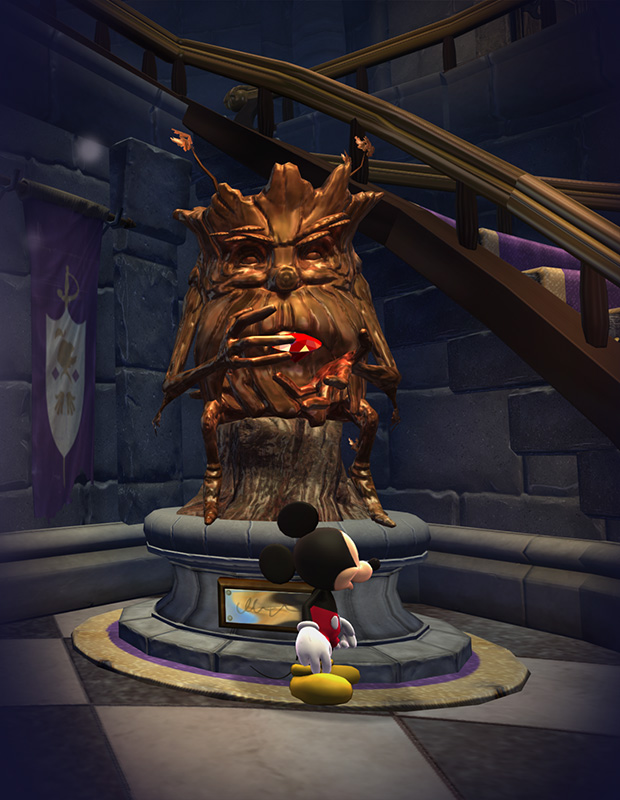
There are two statue pieces hidden in each world. Collect both pieces and a statue of one of Mizrabel's Masters of Illusion will appear on one of the pedestals dotted around the castle.

To find out more about a Master of Illusion, stand in front of its statue and press the Return (↩) key.

Paintings

PAINTINGS

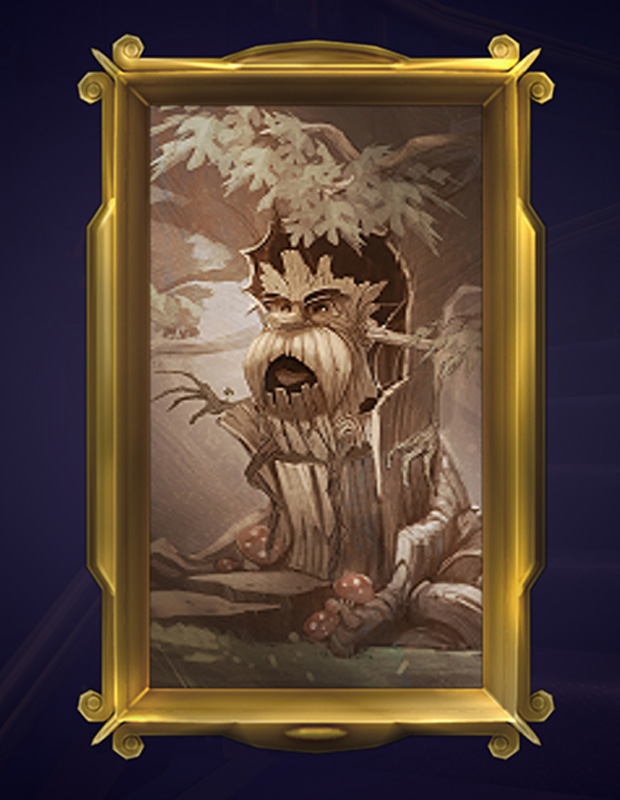
You’ll find picture frames hanging on the walls of the castle. At first, all the frames will be empty. Collect diamonds to fill them with paintings.

To view a painting, stand in front of it and press the Return (↩) key.

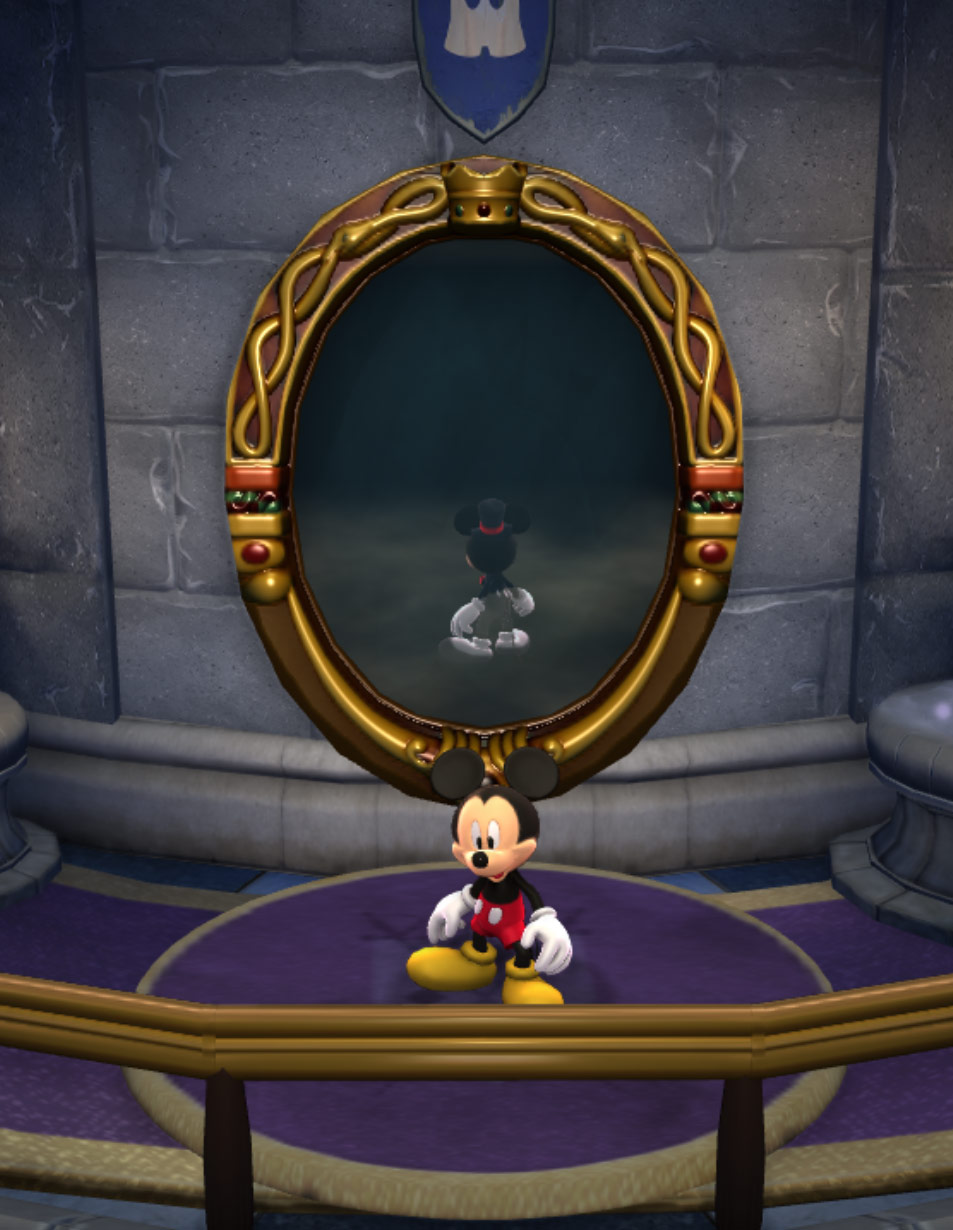
Mizrabel's Mirror

MIRROR

Mizrabel’s mirror is located on the top floor of the castle. Stand in front of it to see the outfits you've unlocked for Mickey in the reflection, and jump through it to change into the outfit you see.

Collect Chili Peppers and Playing Cards to unlock new outfits.

9

Worlds and Stages

Each world is split into three stages: completing one stage unlocks the next. You enter each stage from behind a separate door in the castle.

If you run out of health points during a stage, you lose a life and have to start again from the nearest checkpoint.

If you run out of lives, you have to start again from the beginning of the stage.

Some stages contain bonus areas. You don’t need to complete a bonus area to complete the stage, but if you do you’ll be rewarded with extra diamonds and collectibles.

Once you complete a stage, you can return to it at any time from its door in the castle. Replay a stage to collect items you missed the first time or to try it in Time Attack mode.

Time Attack

Time Attack mode challenges you to complete a stage as quickly as possible.

You can only play a stage in Time Attack mode once you have completed it for the first time.

To play a stage in Time Attack mode, return to it from the castle. Jump up to collect the stop watch at the beginning of the stage to begin.

TIME ATTACK

10

Collectibles

Collectible items are scattered across each stage. Some are hidden or in hard to reach places: jump, swim, bounce and explore to find them all!

Diamonds

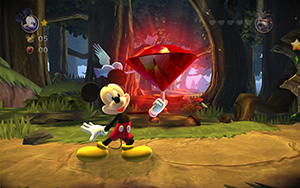
DIAMOND

Collect diamonds to unlock doors and paintings in the castle.

Stars

STAR

Collect stars to refill your health points.

Lives

LIFE

Collect lives to give you more chances to complete stages.

Chests

CHESTS

Chests contain useful items. You can open a chest by throwing a projectile at it.

Bags

BAGS

Bags give you ten projectiles at once.

Chili Peppers and Playing Cards

CHILIS AND CARDS

Look out for Donald’s Chili Peppers and the Magic Playing Cards, which are scattered throughout the game. Collect them all to unlock new outfits for Mickey.

Score

You earn points by defeating enemies and collecting diamonds.

At the end of each stage, you will be given a score based on:

  • the number of points you earned;
  • the time it took you to complete the stage;
  • and the amount of health you had remaining.
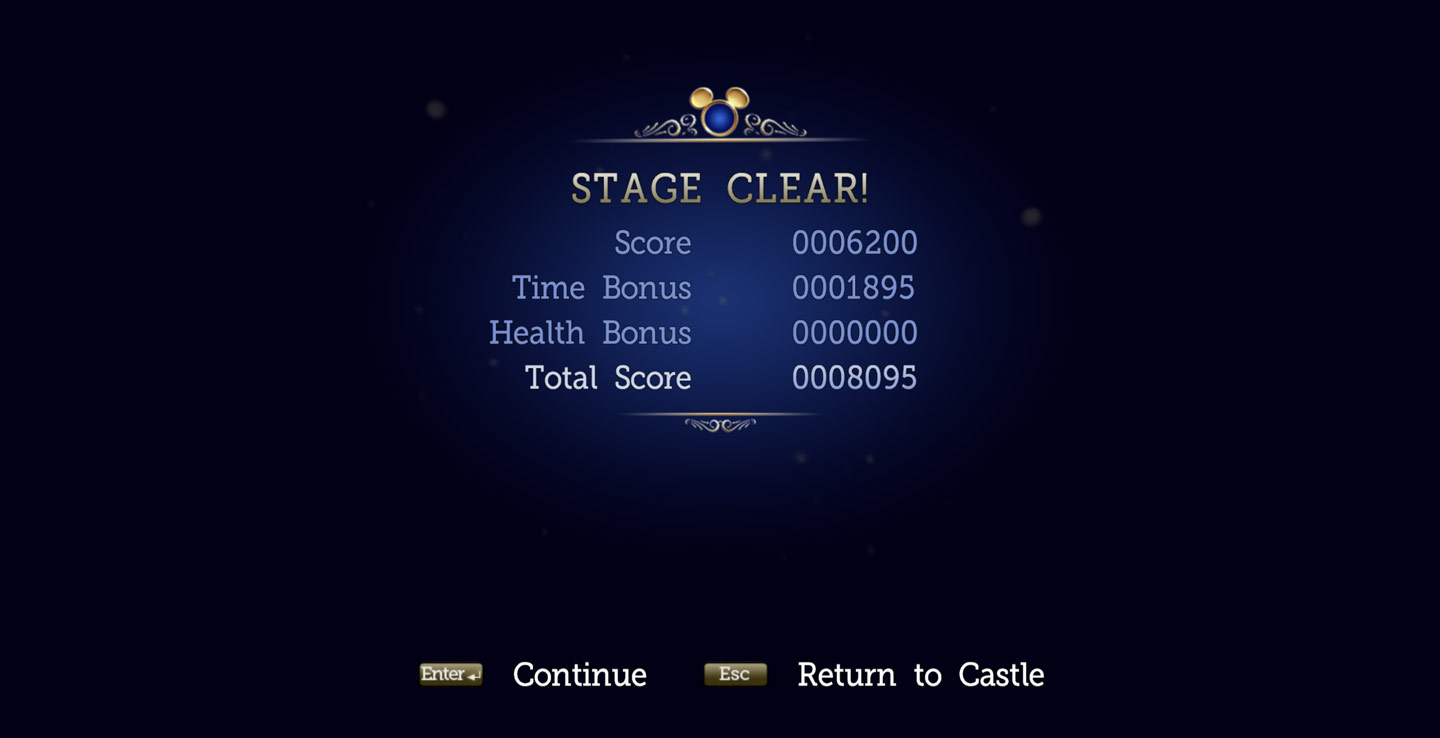
SCORE

You can compare your scores with those of other players around the world using the leaderboards. Select Leaderboards from the Main Menu to see the top scores for each level and the fastest times set in Time Attack mode.
11

Technical Support

Every effort has been made to make Castle of Illusion Starring Mickey Mouse as compatible with current hardware as possible. However, if you are experiencing problems when running Castle of Illusion Starring Mickey Mouse, please read on.

The latest version of the FAQs can be found by selecting the View FAQs button in the Support tab of the Castle of Illusion Starring Mickey Mouse pre-game Options window (this is the window that opens when you launch the game), or by going straight to the Feral website: http://support.feralinteractive.com

Contacting Feral

If the FAQs and/or updates do not solve your problem, then please feel free to contact us. The following information must be obtained before contacting Feral Technical Support:

  • The error message displayed when the problem occurred (if any).
  • A Castle of Illusion Report.txt file. This contains:
    • An Apple System Profiler Report of your Mac
    • Any crash logs that exist for Castle of Illusion Starring Mickey Mouse
    • A list of the game's contents


All the information required can be obtained by opening Castle of Illusion Starring Mickey Mouse and clicking on the Support tab in the Castle of Illusion Starring Mickey Mouse pre-game Options window. In the Support tab, click on the Generate Report button. Once the report is generated it will appear as a file in your ~/Downloads folder (the “~” symbol refers to your home directory). Now click on the Create Email button. Remember to attach the Castle of Illusion Report.txt file to your e-mail.

In your e-mail, please include a brief description of the problem you have experienced with Castle of Illusion Starring Mickey Mouse. We will do our best to help you.

E-Mail: support@feralinteractive.com

12

Warranty

Please check the warranty information provided by Steam.

Credits

Originally developed by:
SEGA Studios Australia
Originally published by:
SEGA
Developed for Mac by:
Feral Interactive
Published for Mac by:
Feral Interactive
13